
We spotted Robin Cole's Presto-powered train departure board via our forums and we have to say it is a thing of beauty! First of all it mimics the low-pixel displays found in stations across the UK, secondly it offers layers of information just by pressing the 4-inch square IPS display.
The project, Pimoroni Presto Train Display does exactly what it says using National Rail's Darwin data feed to pull live data directly from the rail network to Presto's RP2350 brain!
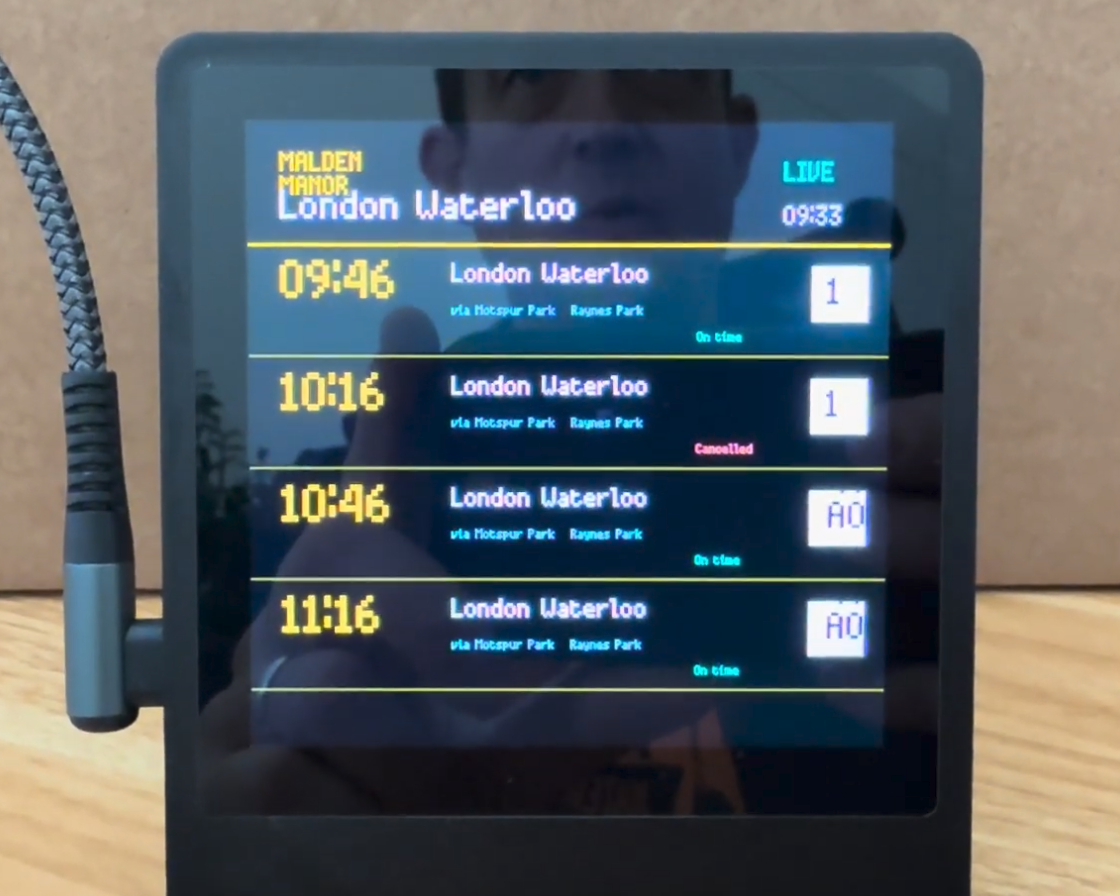
You can have up to four services departing from your chosen station, and the default information shows service status (running late, on time or cancelled), stops and the platform that the train will depart from your station. This information is updated every minute and any failed updates will show the last known valid update.
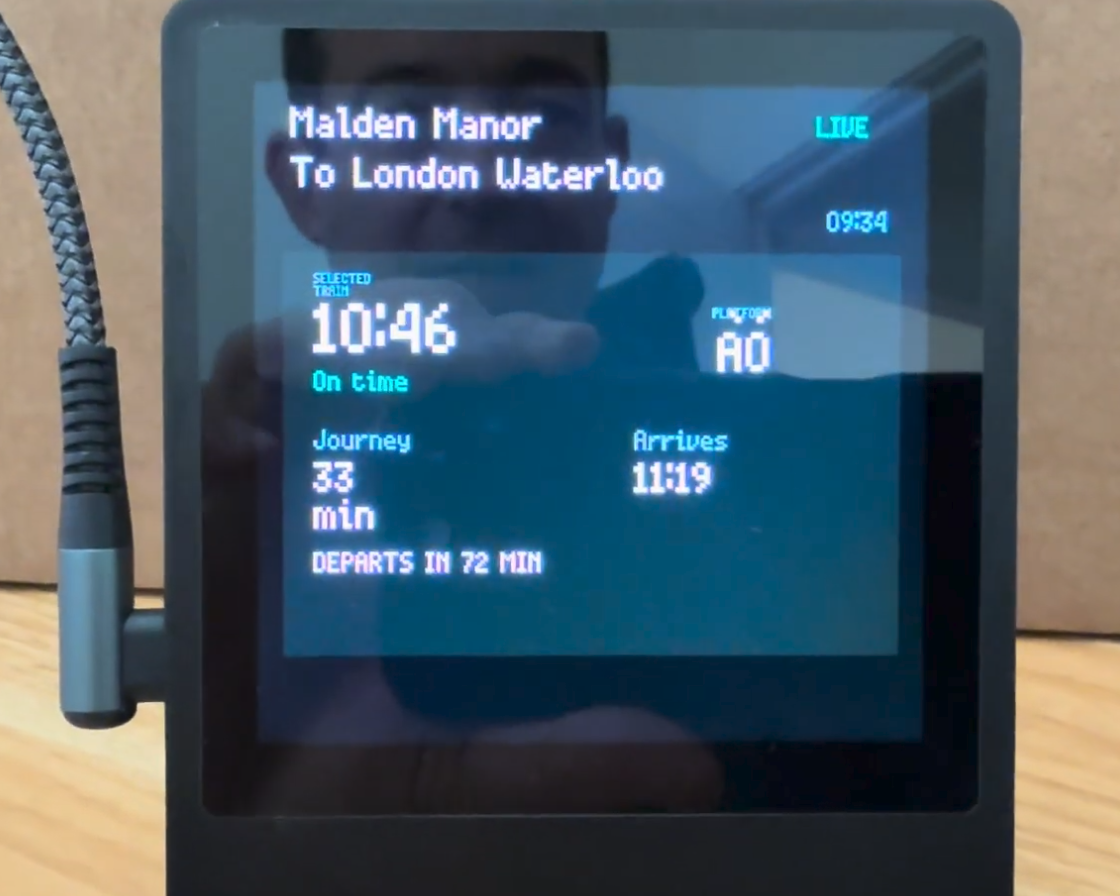
Tapping on the service opens a focused mode that provides details on journey time, expected arrival time and how long until the service departs.
There are two ways to use the app. It can boot when Presto is powered up by replacing main.py or you can run it from the app carousel. To use the app, all you need is an API key for National Rail's Darwin feed, your Wi-Fi config in secrets.py and then to edit config.py for your chosen stations and destinations.
Robin has detailed the project over on GitHub, and has instructions that guide you through setting up the app and how to get your API key.
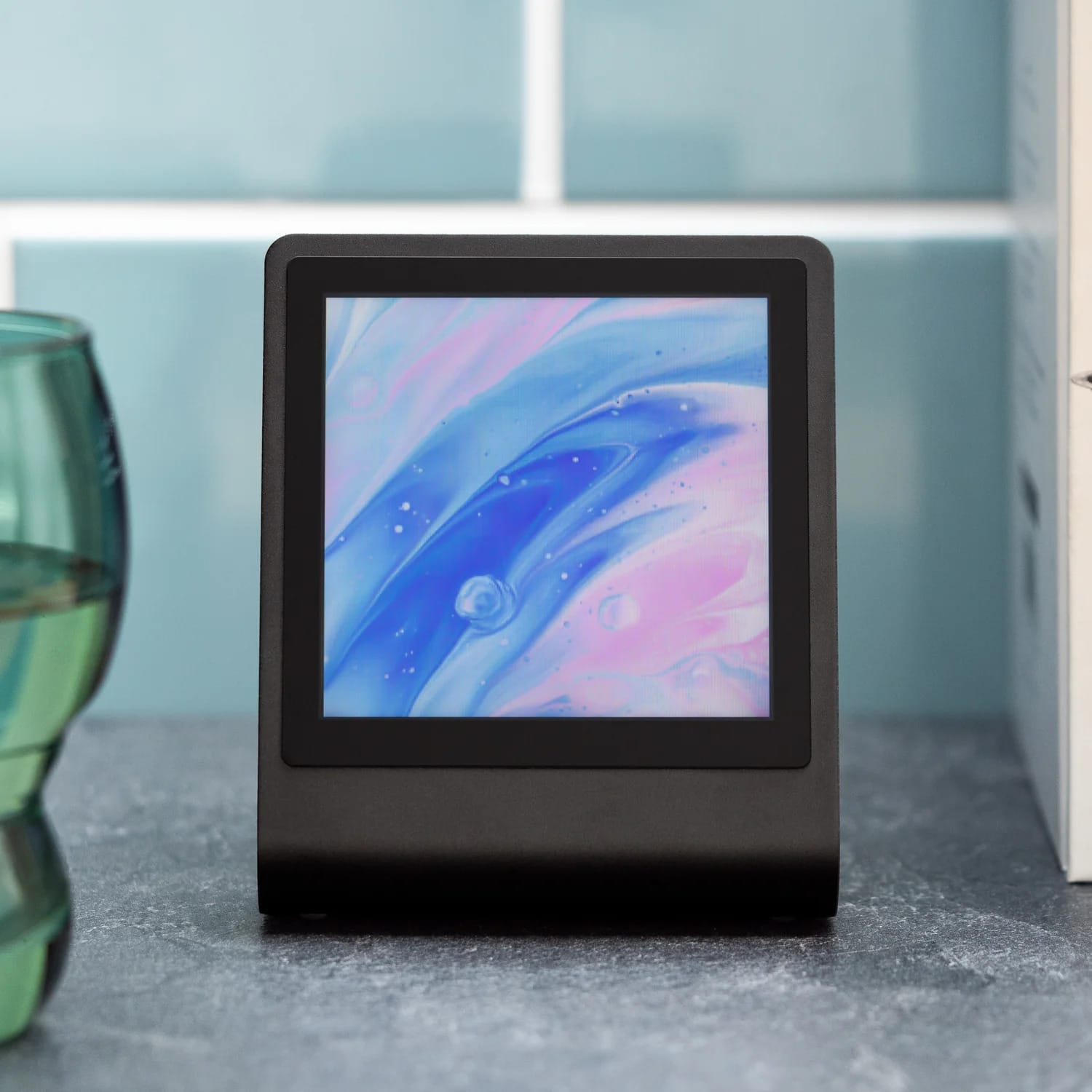
Pimoroni Presto
Your new RP2350-powered, connected desktop companion! Features a 4" square touchscreen, elegant black aluminium stand and RGB ambient lighting.