
The UK's home computer scene of the 1980s was flooded with great hardware. Sinclair, Commodore, and Acorn are just a few names from the era.
One big name in the UK was the BBC which launched the Computer Literacy project. A project that aimed to get everyone learning how to use a computer. The outcome of some "friendly" rivalry between Clive Sinclair and Chris Curry's Acorn Computers saw Acorn awarded the BBC Micro project. The TV movie "Micro Men" is a great dramatisation of this period of computing history, with just a few liberties taken for dramatic impact. The machines filtered their way into our classrooms and homes, and a generation of retro enthusiasts was created.
The BBC Micro has a lot of love in the retro computing scene, and Dominic Pajak's rp2350-bbc-micro is a cycle-accurate BBC Model B (or BBC Master 128) that happily runs on Presto while looking really cool on your desk.
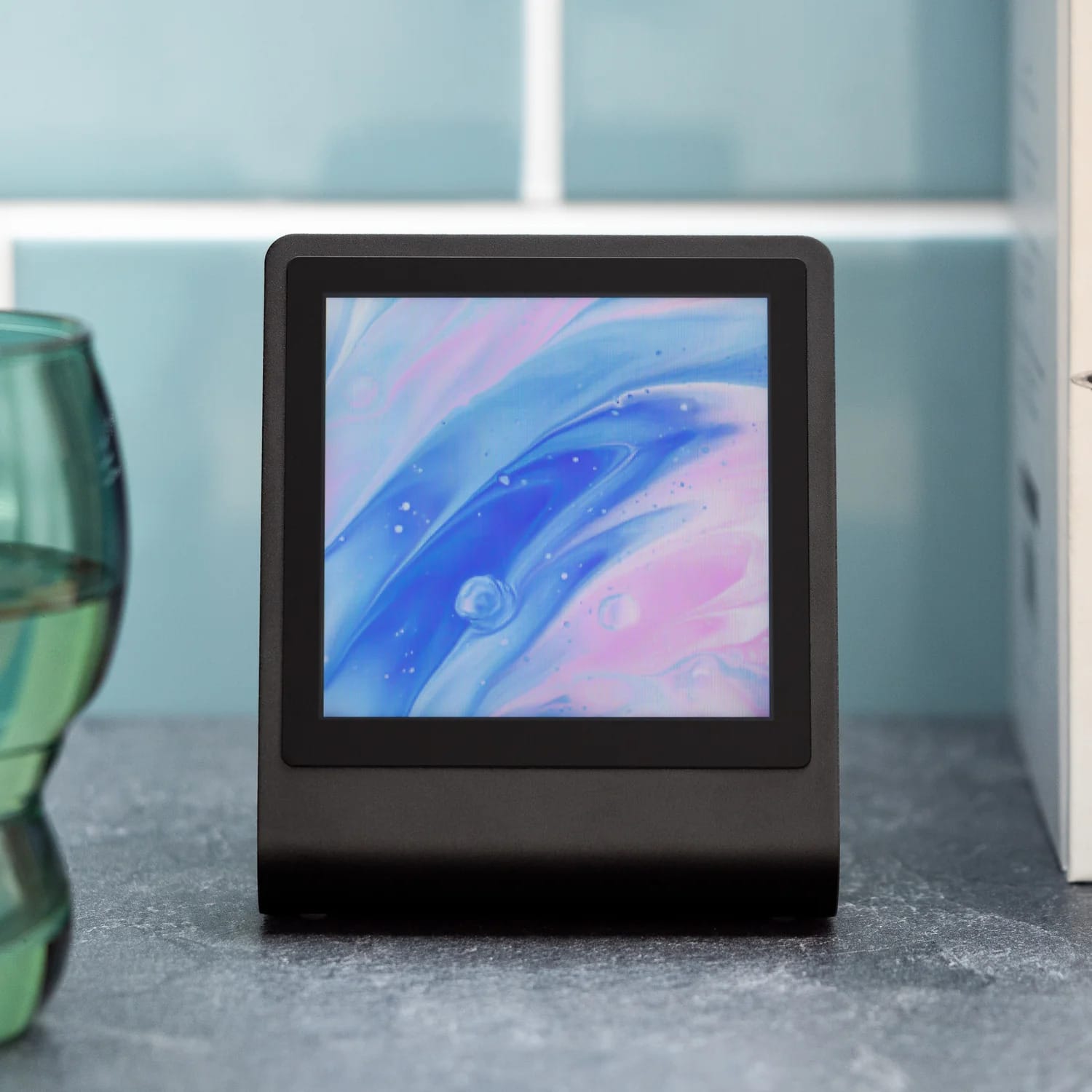
Presto
Your new RP2350-powered, connected desktop companion! Features a 4" square touchscreen, elegant black aluminium stand and RGB ambient lighting.
Described as "The ultimate retro nerd desk toy", the BBC Micro on the RP2350 project boots straight into a self-playing version of Elite. Yes you can override and explore the final frontier for yourself on a microcontroller!
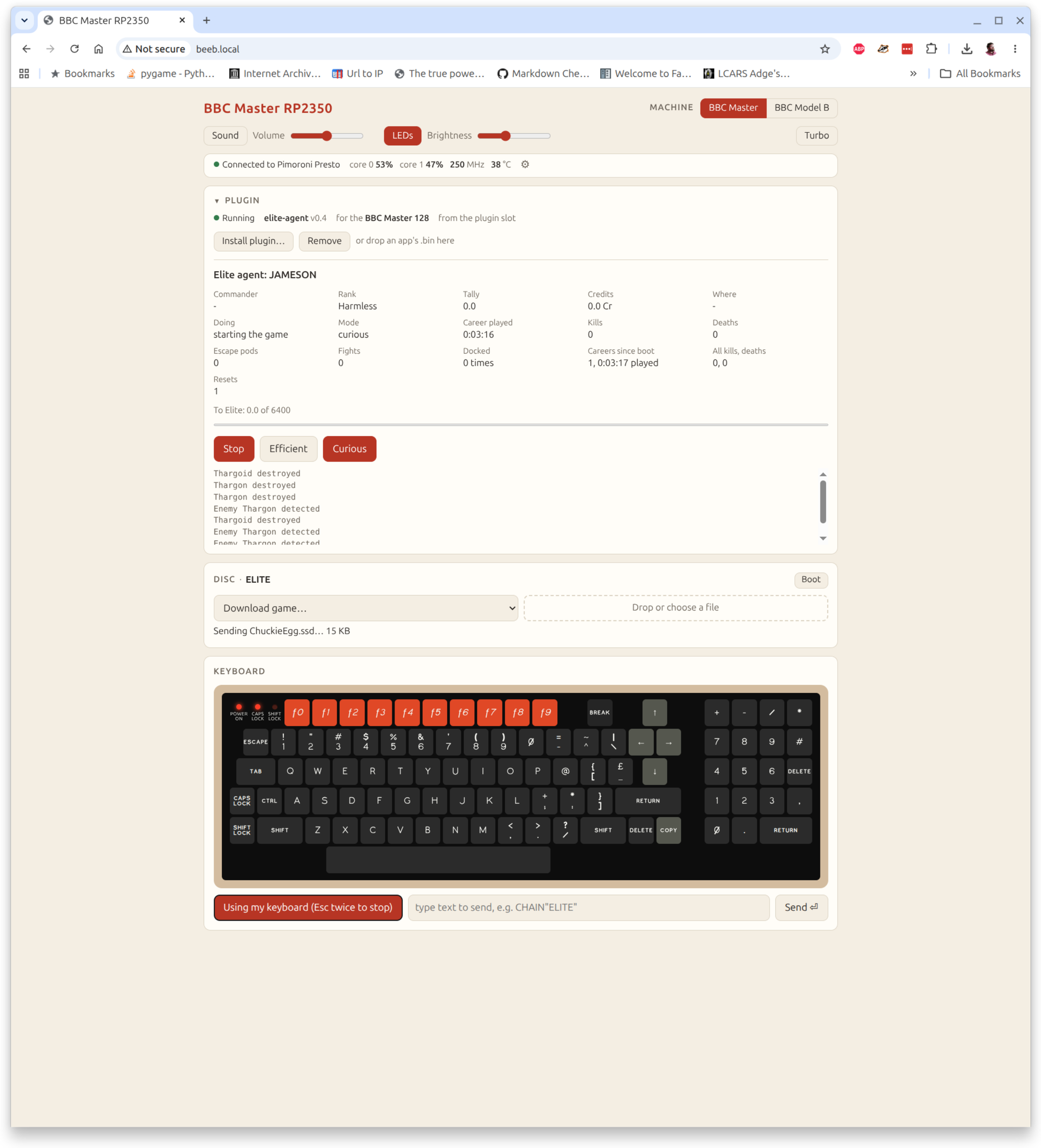
You can easily load your own games / apps and use the virtual keyboard or your real keyboard via a web interface running on Presto. We tested this by attempting to play Chuckie Egg and we suddenly remembered it has been 30 years since we last played it.
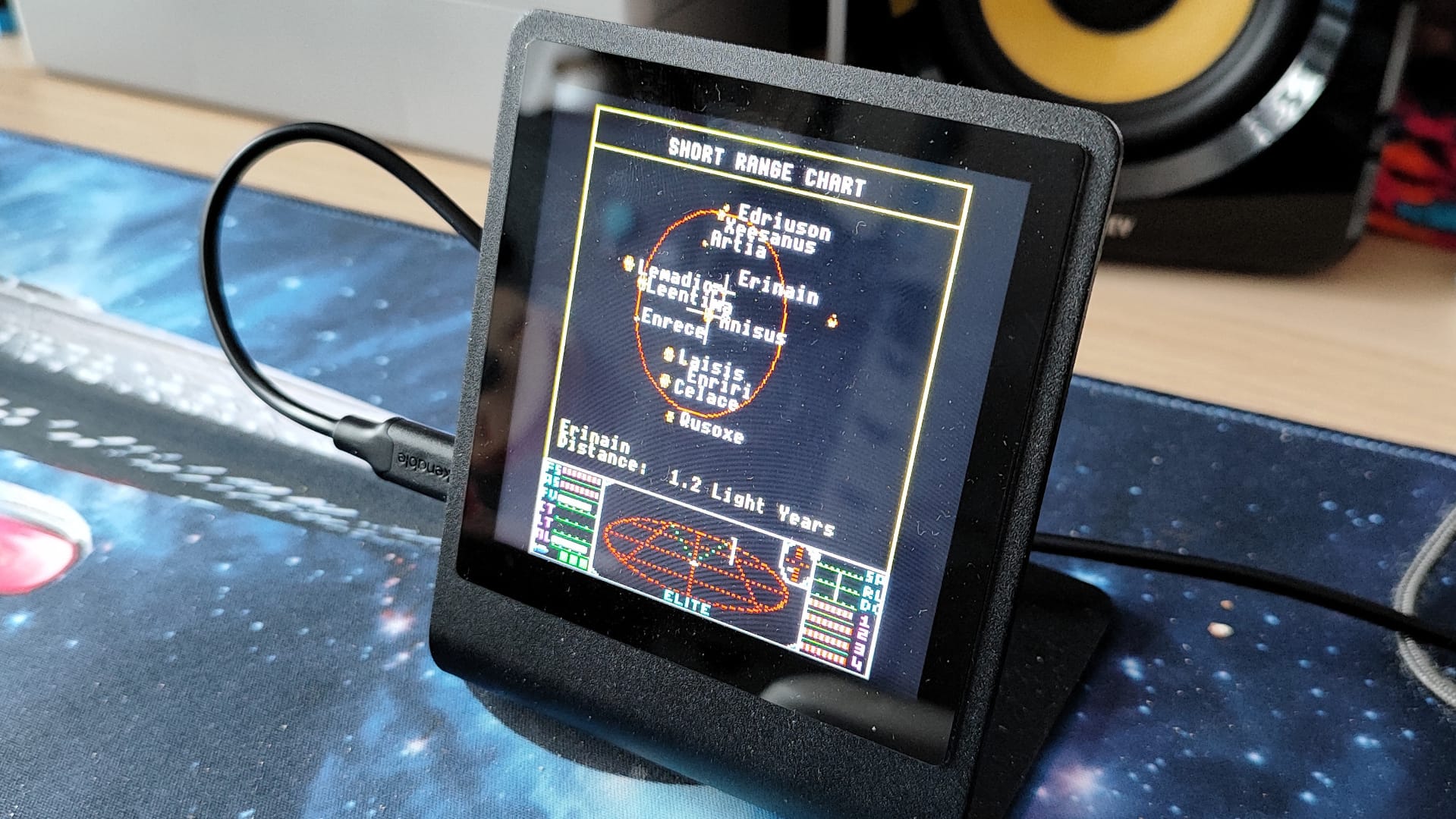
This great project is well worth a look, and is a great way to show off your Presto as a nerdy desk toy. Details can be found on the project's GitHub page.
Note: there is a pre-built image which can be flashed to Presto, but to use the Wi-Fi interface you will need to clone the repository.
- Connect Presto to the computer, and the emulator will auto-start.
- Open a terminal and navigate to Tools.
cd tools/- Copy the example secrets file to
secrets.py.
cp secrets.example.py secrets.py- Using a text editor, open
secrets.pyand edit to use your Wi-Fi details. - Run this command to write the Wi-Fi confg to Presto.
python3 presto.py wifi secrets.py- Give it a few seconds, then go to beeb.local to change machines, games and use the keyboard.

Got a cool project that you'd like to share? Drop us an email!